
Twin for Mac
Your organisation's Twin, personal Mail, and Calendar in one fast native Apple silicon app.
Twin for Mac brings your organisation's Twin, your personal Mail, and your Calendar together in one fast native macOS app, built in Rust for Apple silicon with no browser inside.
Everything in your Twin stays in sync with the web app: Sessions, Channels, Views, Inbox items, and Tabs pick up right where you left off.
Mail, labels & Calendar
Connect Google, Microsoft, or iCloud mail, organise with exact local rules, and share threads only when you choose.
Connect your local agent (twin-mcp)
Let Claude Desktop, Claude Code, or Codex read your Mac workspace and ask before sending or changing anything.
Install & sign in
Download Twin for Mac
Requires a Mac with Apple silicon (M1 or newer) and macOS 15 or later. Download Twin.dmg from desk.mlx.systems, drag Twin into Applications, and open it. Upgrading from the earlier Twin Desk preview? Twin replaces it cleanly from the same download address.
Sign in once in your browser
Choose Sign in. Your browser opens so you can sign in with the email address your organisation invited, then hands straight back to Twin. If you belong to multiple organisations, choose which one to open.
Add your Mail and Calendar (optional)
Open Mail or Calendar to connect your Google, Microsoft 365, or iCloud account directly through your provider's sign-in screen.
Built for fast desktop work
- Multi-tab workspace: Open Channels, Boards, Pivot tables, Thing pages, Sessions, and your Inbox side by side in native Tabs, each remembering its saved grouping and filters.
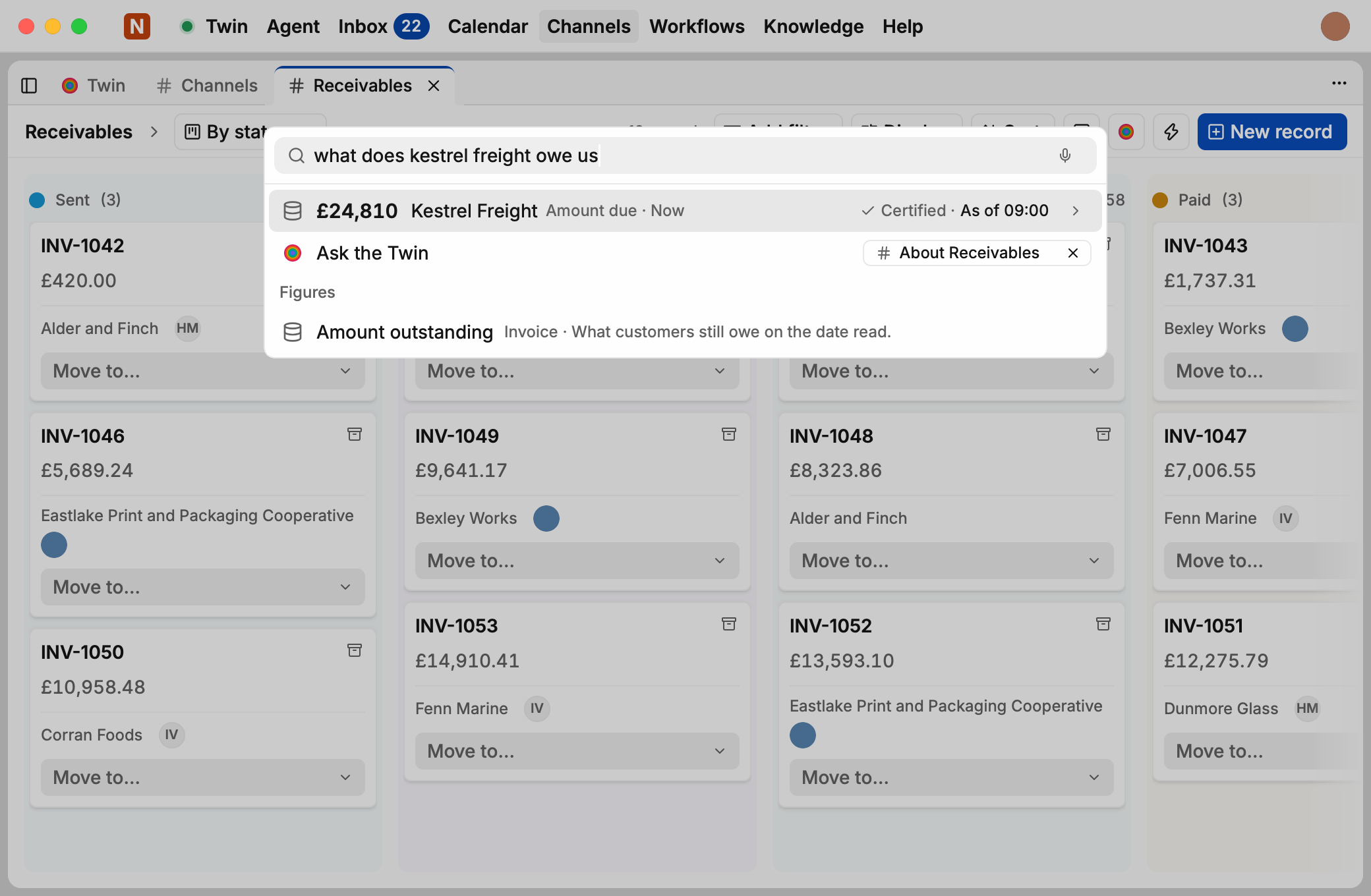
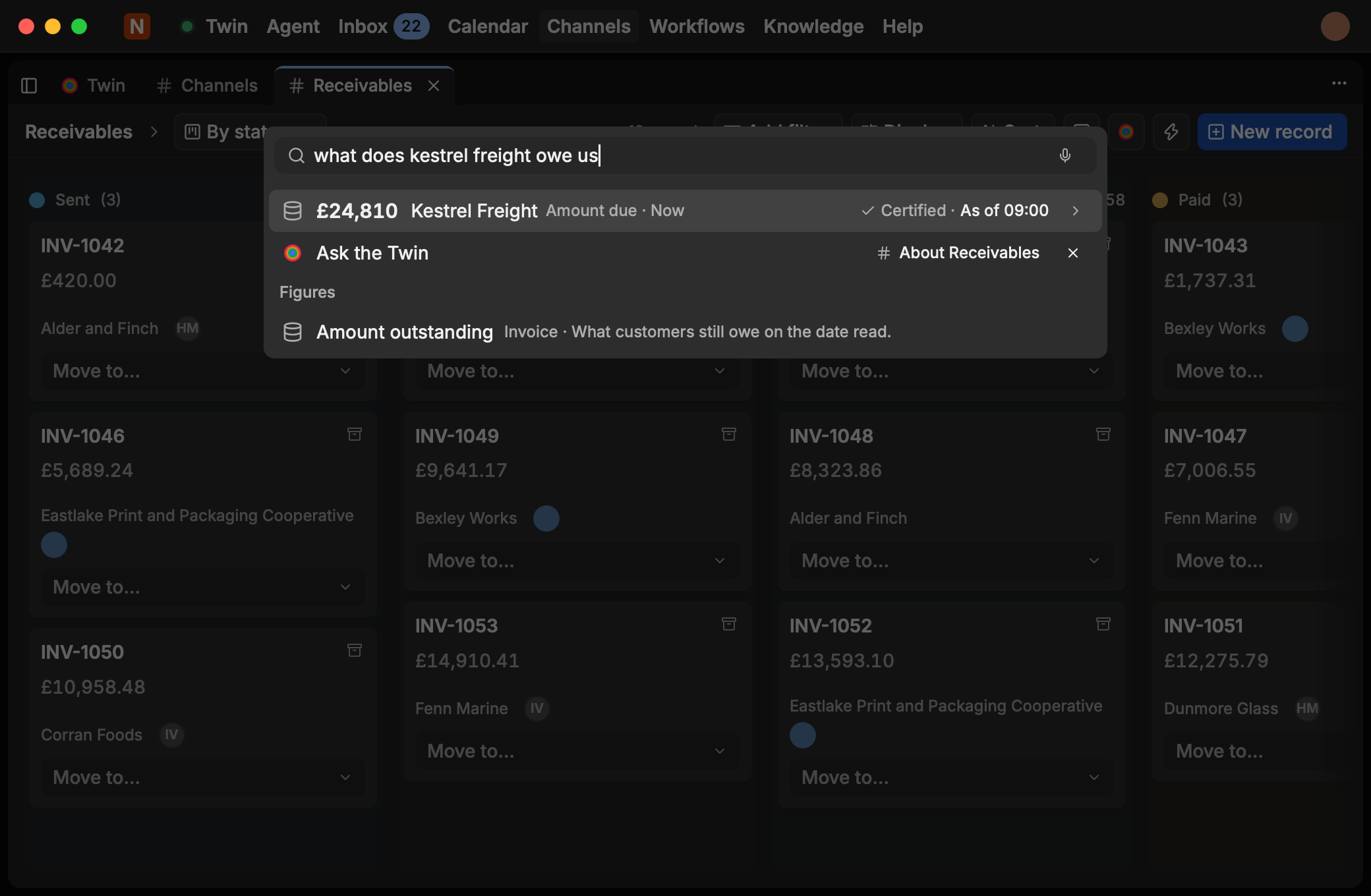
⌘Keverywhere: Press⌘Kfrom anywhere in Twin to jump to a customer or project Thing, open a Channel view, create a calendar event, or start a Session.- Updates in the background: Twin checks for updates automatically in the background. When a new version is ready, Restart to update appears quietly beside your account. Click it whenever suits you and carry straight on.
Privacy boundary: what stays on your Mac
| Data | Where it lives |
|---|---|
| Personal Mail & Calendars | On this Mac only, never synced into your organisation's Twin unless you choose to share a thread |
| Account sign-ins & tokens | Stored in your macOS Keychain |
| Shared Twin work (Sessions, Channels, Views, Inbox) | Lives in your organisation's Twin, with a fast local cache on your Mac that's cleared when you sign out |
Support & Intel Macs
- Intel Macs: Native builds currently target Apple silicon. On an Intel Mac, open your organisation's Twin URL in any modern browser for the full workspace.
- Need help? Email team@mercurylabs.io with your Twin version from Settings › About.