
Things & cross-system matching
See one joined page for every customer, project or supplier across your systems. Close matches are scored and go to a person if they fall short of the rules for automatic linking.
In almost every company, the same customer, supplier, project, or person lives under slightly different names and IDs across three or four systems: "Harbour Lane Studio Ltd" in Xero, "Harbour Lane" in HubSpot, a project folder in Drive, and threads in a shared mailbox or Channel.
Your Twin brings them together as Things, without altering your original systems. Two records are never joined on a guess.
In preview
Knowledge › Things and Twin Matching are in preview on selected workspaces.
What a Thing page gives your team
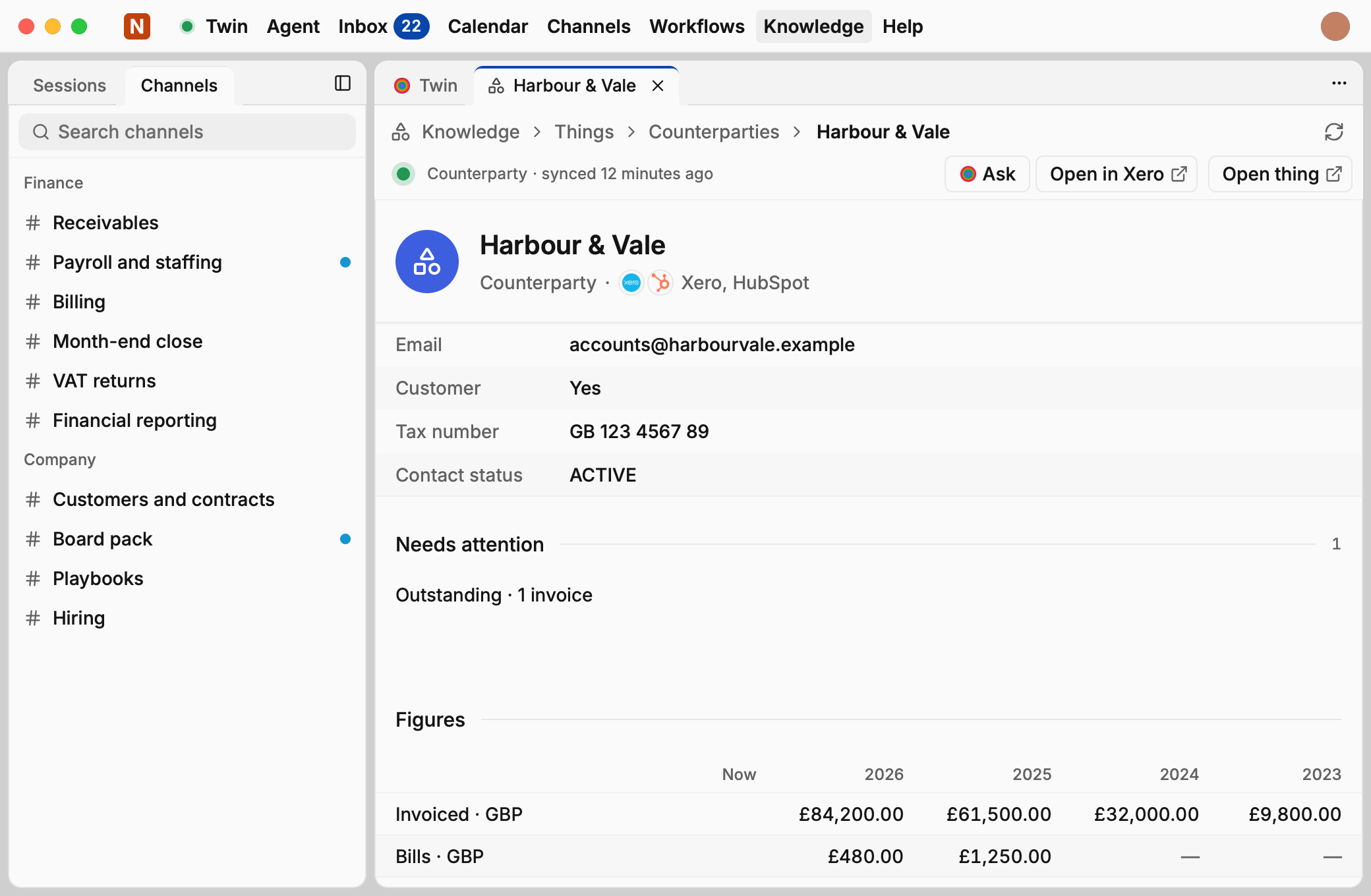
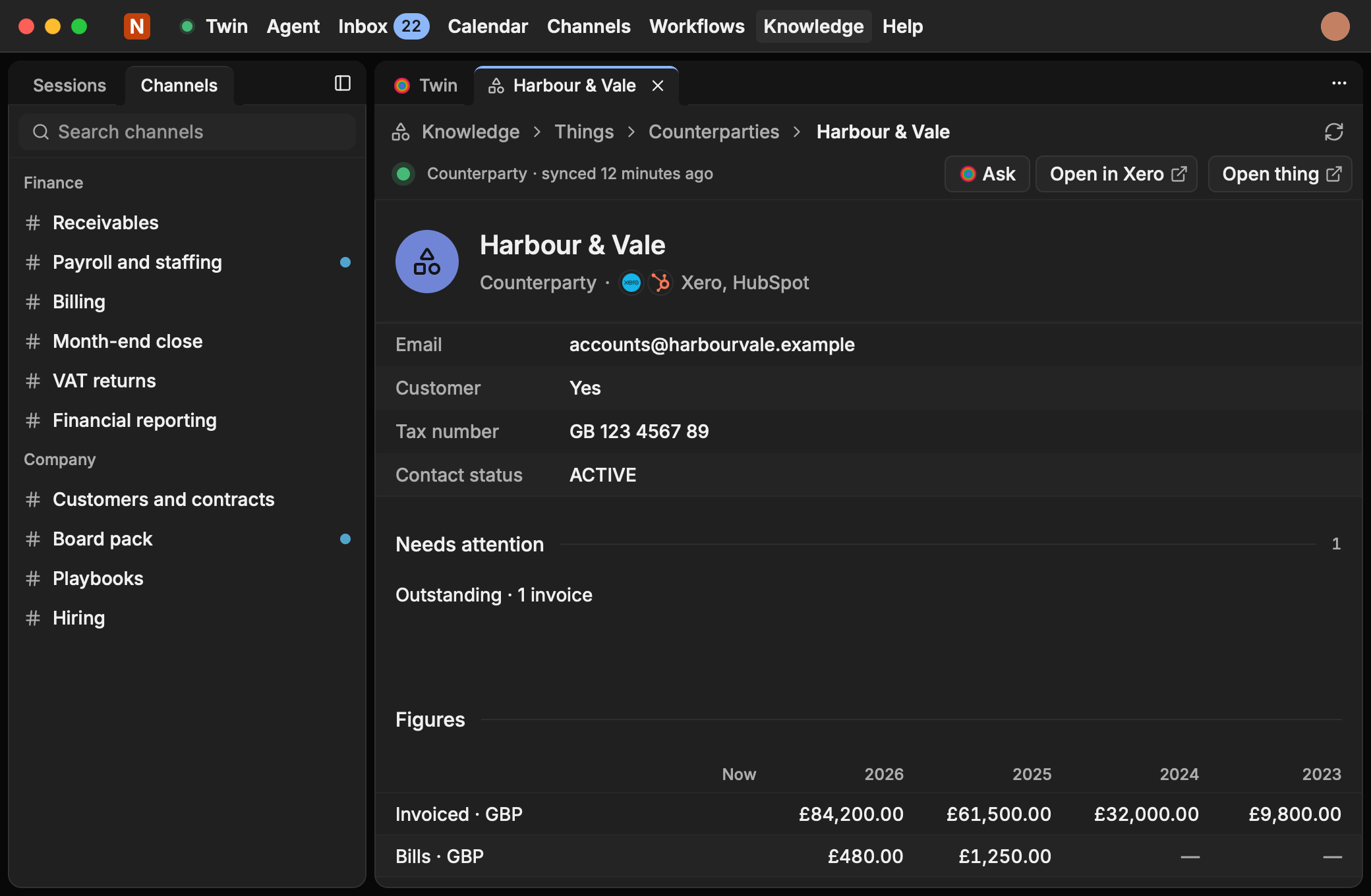
Open any customer, supplier, project, or other configured entity in your workspace (press ⌘K and type its name) to read one joined page:
- Identity & direct links: Which connected systems hold records for this Thing, with one-click links straight back into Xero, HubSpot, Asana, or your CRM.
- Needs attention: Overdue invoices, stalled tasks, or open exceptions flagged automatically from the graph.
- Certified figures: Revenue, unpaid balance, bookings, or spend, each computed in the Twin Graph with its currency and
Tracecertificate. - Connected records & timeline: Invoices, deals, projects, shared-mailbox threads, and Channel records that point to it, newest first.
- Match history & audit: Why records were joined, who or what linked them, and (for organisation admins) how the page was opened.
How Twin Matching links systems without guessing
Joining records across finance and CRM is too important to leave to a guess:
- Deterministic rules first: Exact shared identifiers, verified domains, tax numbers, or foreign keys join automatically where your policy allows.
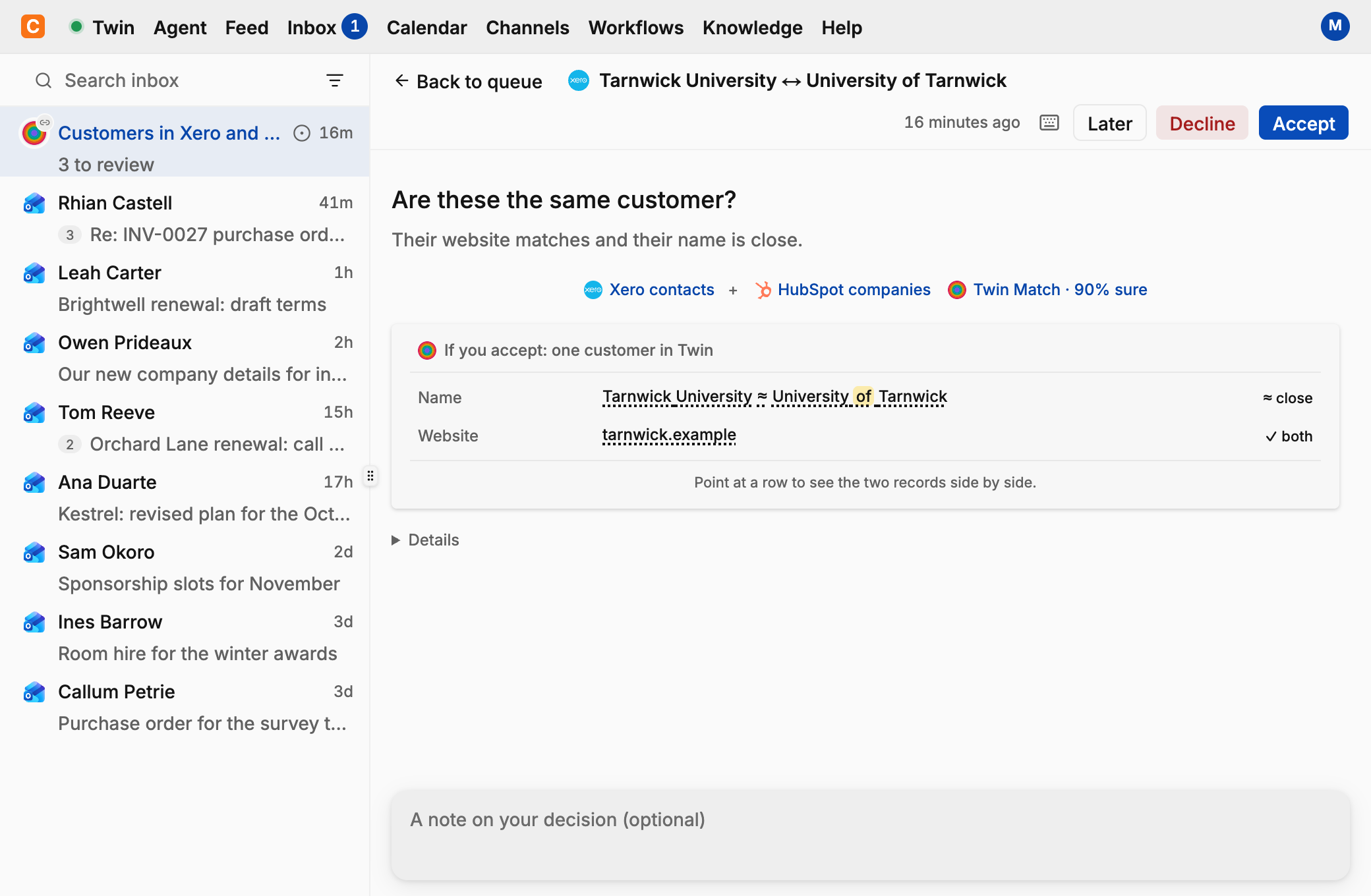
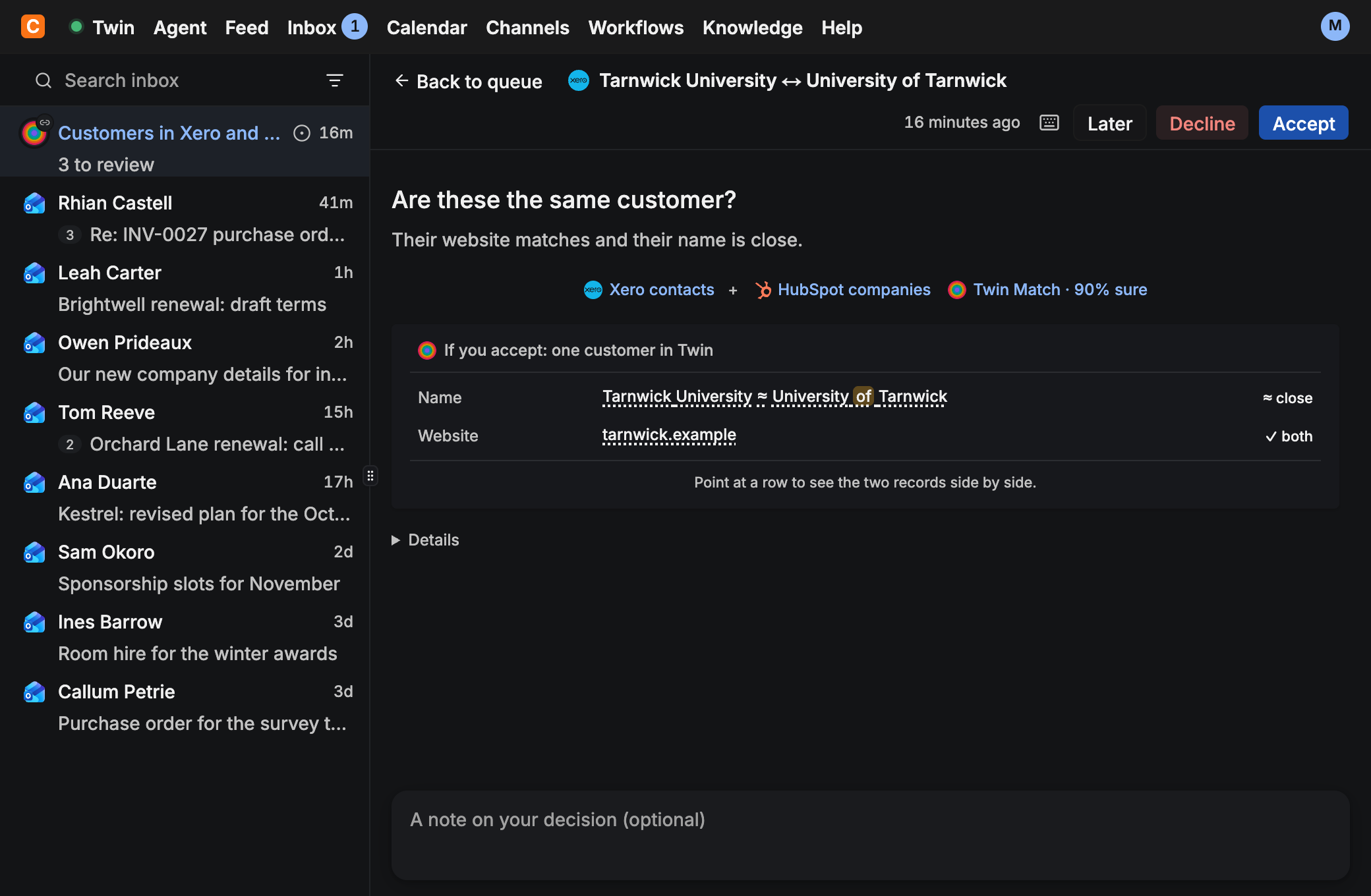
- A small decision model for close pairs: When names, addresses, or contacts look close but aren't identical, a small, fast decision model compares the structured fields and says how sure it is, alongside the exact fields it compared. A pair can link automatically when it meets the matcher's rules, including the model's confidence threshold.
- Human proposals in Inbox: Ambiguous matches arrive as clear proposals you can accept, decline, or put aside for later. You can undo a decision while it's still in force and its effect can be reversed. Nothing gets merged irreversibly behind the scenes.
Your permissions apply to every joined field
A Thing page never leaks data across permission boundaries. You only see connected records, matches, and totals from systems and Channels you're personally allowed to read.
Try it yourself
Look up [Customer Name] in our Twin. Show which systems they appear in, their invoiced total and unpaid balance by currency, open items needing attention, and the latest timeline events.
Slack · Teams · Assistants. Reads the joined Thing page before running any extra queries.
What is the next due invoice, renewal, or scheduled milestone for [Customer Name], and when was our last completed item with them?
Web app · Twin for Mac. Uses marked graph dates such as renewals, due dates, or bookings.